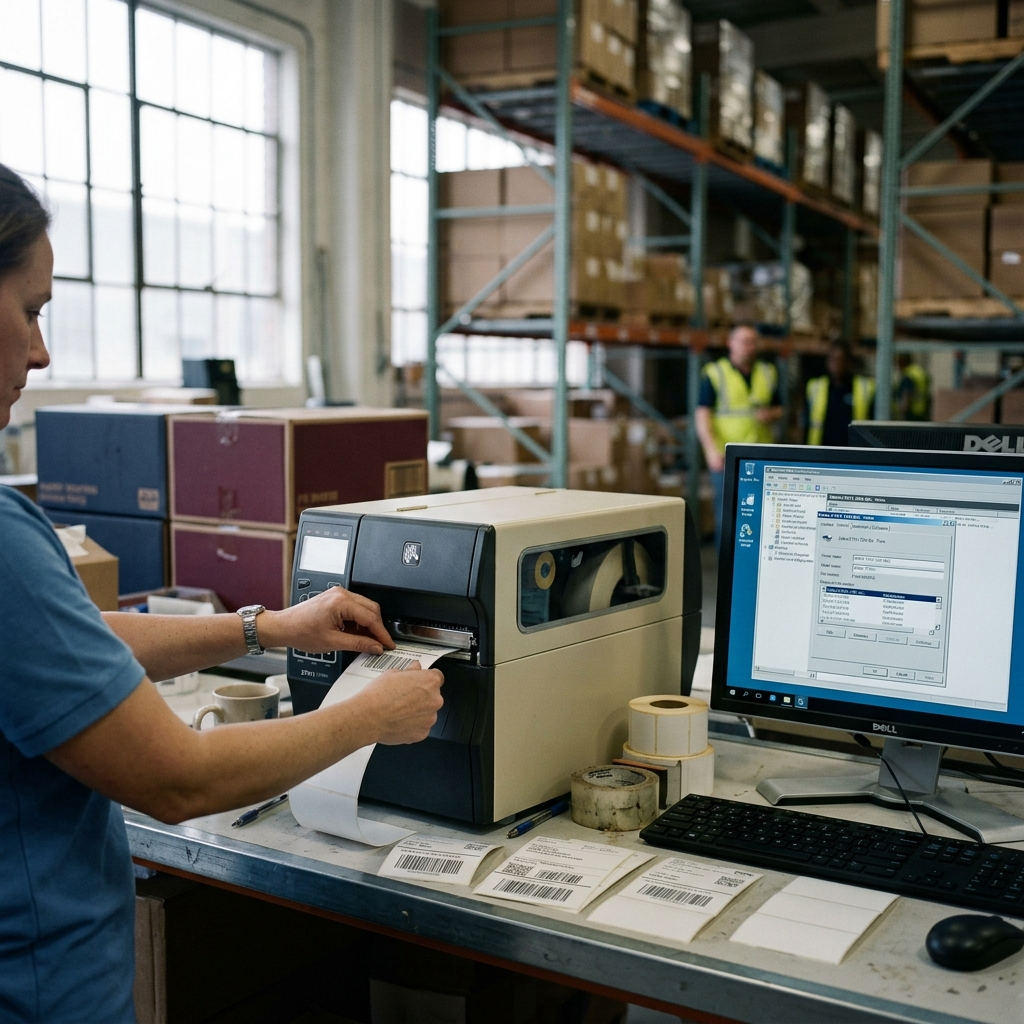
If you’ve spent time in ERP implementation, you’ve probably encountered a moment where something seemingly minor brought everything to a halt. Not the database migration. Not the custom module configuration. Something smaller.
A label printer.
We recently spent upwards of ten hours getting a single Zebra label printer operational with our ERP system. That figure only covers reaching the point of printing a test page from a Windows server. It does not include the time required from a Zebra support specialist who reconfigured the device using proprietary tools that aren’t made available to typical IT teams. It does not include the troubleshooting cycles where standard Zebra utilities simply didn’t function as documented. And the setup still isn’t complete.
This raises a question that doesn’t get asked enough during ERP planning: why are peripheral devices still this difficult to integrate?
The operational cost of printer integration
In manufacturing, distribution, and retail environments, label printers are not accessories. They are critical path. Shipping labels. Bin location tags. Pallet identifiers. Compliance labels. When these printers don’t work, material doesn’t move, inventory accuracy degrades, and customer shipments delay.
Yet in many implementation plans, printer configuration receives a fraction of the attention given to module design, data migration, or user training. The hardware procurement spreadsheet lists the printer model. IT is expected to handle setup. And somewhere between the server configuration and the warehouse floor, the complexity reveals itself.
What makes Zebra integration particularly challenging
Zebra produces reliable industrial hardware. The printers themselves are robust. The challenge sits in the software layer between the ERP system and the physical device.
Drivers designed for Windows desktop printing often don’t translate cleanly to server-based ERP printing workflows. Configuration utilities require specialized knowledge that falls outside the typical ERP consultant’s expertise — and often outside the internal IT team’s scope. Network configuration, label format mapping, ZPL command compatibility, and middleware requirements all introduce friction points that compound quickly.
In practice, a single printer can require:
– Server-side driver installation and compatibility verification
– Proprietary configuration tool access, often requiring vendor support
– Label template formatting that matches both the ERP output and the printer’s native language
– Network path testing across VLANs or site-to-site connections
– User acceptance testing that mirrors actual operational conditions
Each of these steps can fail independently. When they do, the troubleshooting path is rarely linear.
A pragmatic approach to peripheral integration
Organizations that manage this well tend to treat peripheral integration as a distinct workstream rather than an addendum to infrastructure setup. They test printers early — not during UAT, but during initial system configuration. They identify the specific label types, formats, and print volumes required from each location. And they budget for vendor support hours as a line item, not an unexpected expense.
The broader operational principle is straightforward: any device that touches the physical movement of goods should be treated with the same rigor as the software that tracks them. Label printers, barcode scanners, mobile devices — these are not commodity peripherals. They are operational endpoints, and their reliability directly affects throughput, accuracy, and customer experience.
In many ERP implementations, the most expensive problem isn’t the one you anticipate. It’s the small hardware device nobody reviewed until the week before go-live.